Smart Home
Cheapest way to get started
Prerequisites
[!NOTE] WiFi network should be 2.4GHz not 5GHz
- Buy WiFi device
- Install the (what ever they say we should use) app on mobile
- Follow the instructions in manual to connect the device
[!WARNING] I don't use these apps nor trust them
Where to buy devices
How to find devices
-
Search by brand
- Tuya (cheap)
- Moes (mid)
- Sonoff (mid/expensive)
- Aqara (expensive)
-
Search by device type
- WiFi/Smart bulb
- WiFi/Smart switch
- WiFi/Smart plug
[!WARN] Tuya
- LED Bulbs get pretty hot, and some of them stopped working after few months
- Plug stops working completely or relay stops working after few months
[!WARN] Moes
- They lie sometimes - Human presence sensor is not a presence sensor
WiFi vs Zigbee
For a smart-home network, both Wi-Fi and Zigbee work well—but they shine in very different roles
WiFi Devices
Pros:
- Works with existing WiFi infrastructure
- Generally devices are cheaper
- Better bandwidth (for video/audio)
Cons:
- Can congest your WiFi network with many devices
- Higher power consumption (not ideal for battery-powered devices)
Zigbee Devices
Pros:
- Better range through mesh topology
- Low power consumption (great for battery devices)
- Less WiFi network congestion
- Can support hundreds of devices
Cons:
- Requires a Zigbee hub/coordinator
Recommendation
Use both
[!NOTE]
- Zigbee also uses 2.4 GHz so to reduce interference by selecting channels that are not used by WiFi
Zigbee Coordinator
A Zigbee coordinator is a device that acts as a hub for your Zigbee network.
Types of Zigbee Coordinators
[!NOTE]
- There are different versions of Zigbee coordinators. Buy the 3.0 version (latest)
- Which coordinator to buy?
- No PC?
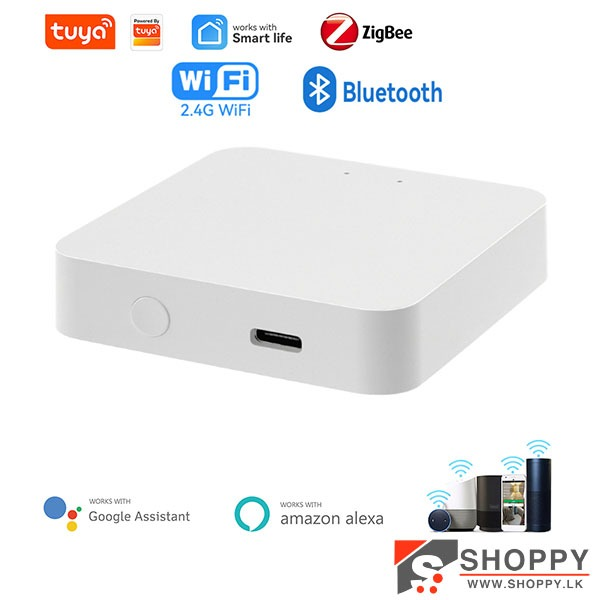
- Tuya ZigBee 3.0 Multimode Gateway
- Got PC?
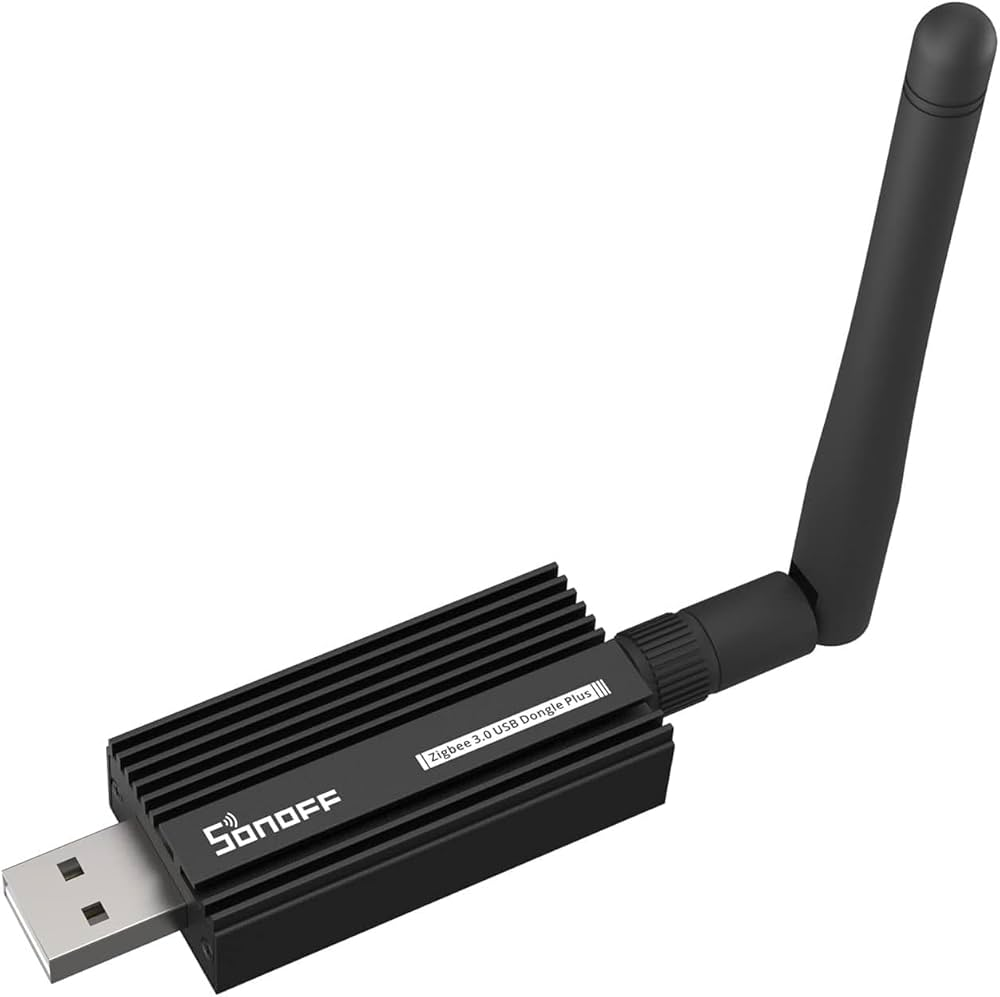
- SONOFF ZBDongle
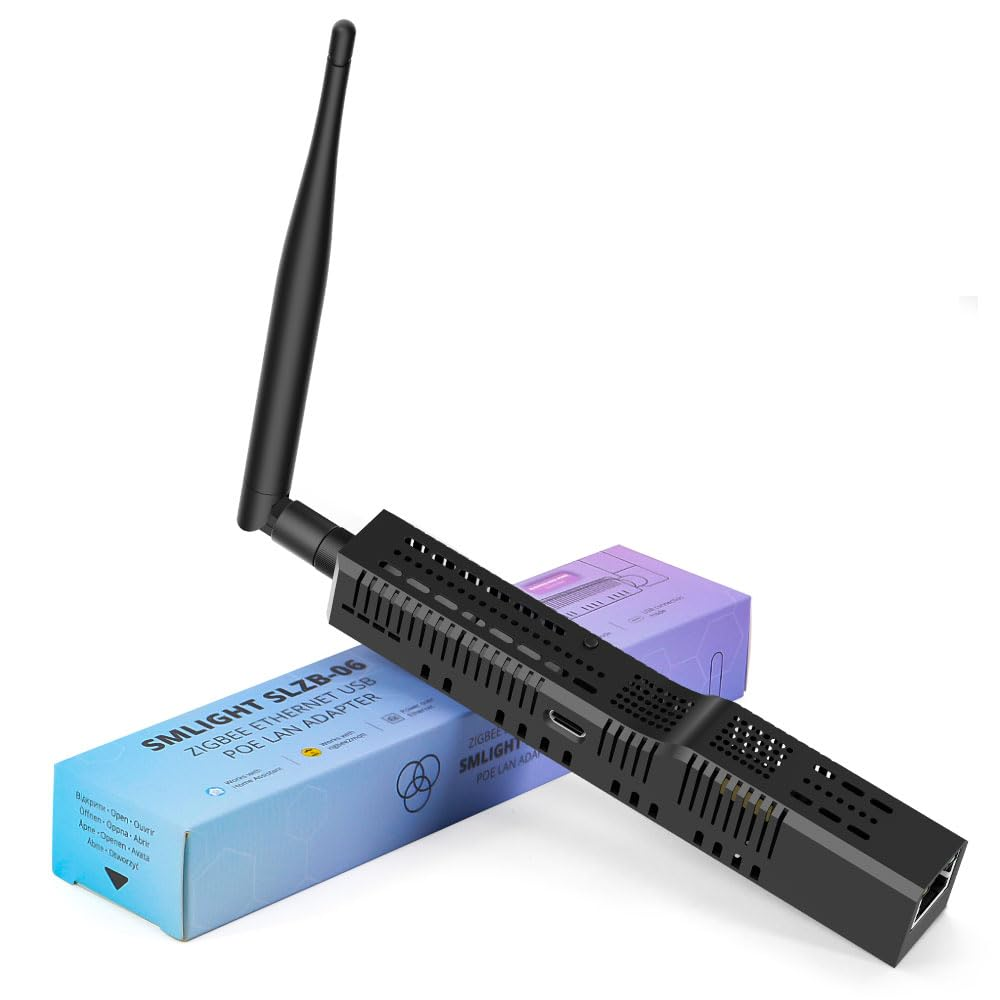
- SLZB-06 (Check this issue)
- No PC?
Tuya ZigBee 3.0 Multimode Gateway
SONOFF ZBDongle
SLZB-06